Top-Down Player Movement
Input.get_vector, move_and_slide, no gravity, facing, and time-scale compensation.
On this page
Input.get_vector, not gravity.What we implemented
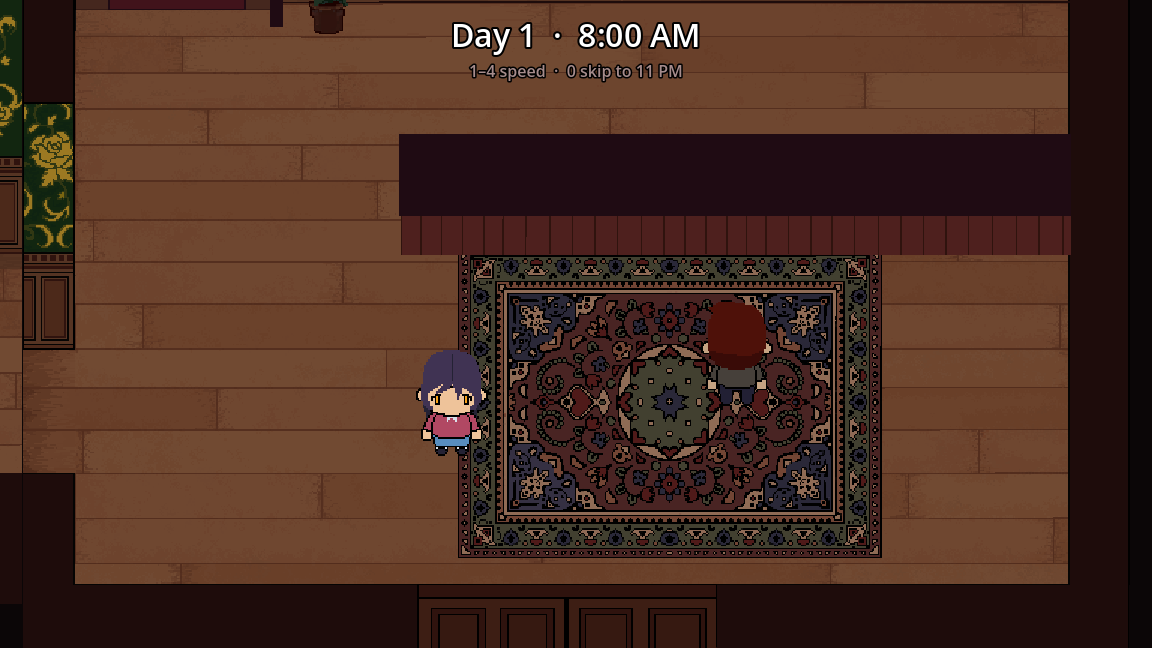
scripts/player.gd on a CharacterBody2D (clerk). Top-down, eight-direction via vector length, no gravity.
func get_player_input() -> void:
	var vector := Input.get_vector("ui_left", "ui_right", "ui_up", "ui_down")
	velocity = vector * speed * speed_factor
	if vector == Vector2.ZERO:
		_play_idle()
	else:
		_update_facing(vector)
		_play_walk()

func _process(_delta: float) -> void:
	get_player_input()
	move_and_slide()
Input Map
We reused Godot’s built-in ui_left / ui_right / ui_up / ui_down and added WASD as extra events on those same actions in project.godot. Arrow keys + WASD both work without custom action names.
Separate actions we added:
interact→Edialog_quit→Q
Lesson: If WASD does nothing, check Project Settings → Input Map. Binding letters only in code with Input.is_key_pressed fights joypads and remapping.
Why gravity was removed
The default CharacterBody2D template is a platformer (velocity.y += gravity). For top-down:
- Do not add gravity.
- Set velocity from the input vector every frame.
- Prefer
motion_mode = Floatingon NPCs (guest scene setsmotion_mode = 1).
Speed and Engine.time_scale
Debug keys 1–4 set Engine.time_scale. That speeds physics for everyone. The clerk clamps its own speed so 3x/4x clock racing stays controllable:
const MAX_TIME_SCALE_FOR_SPEED := 2.0
var scale := Engine.time_scale
var speed_factor := 1.0
if scale > MAX_TIME_SCALE_FOR_SPEED:
	speed_factor = MAX_TIME_SCALE_FOR_SPEED / scale
velocity = vector * speed * speed_factor
Facing and animation
Dominant axis picks side vs up/down. Side art may already face left — flip with flip_h:
if absf(direction.x) >= absf(direction.y):
	_facing = "side"
	$AnimatedSprite2D.flip_h = direction.x > 0.0  # if SIDE_FACES_LEFT
Animation names are idle_down, walk_side, etc., with fallback to non-directional idle / walk if a sheet is incomplete.
Collision layers
Clerk: collision_layer = 1, collision_mask = 4 (walls only). Guests live on layer 2 and do not block the player.
Harness tip
To verify movement without clicking the window, press actions from a test script:
Input.action_press("ui_left")
await get_tree().physics_frame
Input.action_release("ui_left")
Setting velocity from outside is overwritten by get_player_input() each frame.